Send a TEST filing to EDGAR
After review and certification, follow the SEC branch to check readiness, send a TEST filing and keep the result.
BriskTag sends test filings to EDGAR. It does not yet send live filings.
Who can do this
A Submitter, the document owner or an organization admin can send the filing. Organization credentials and unknown-outcome records need an organization admin. See Document roles.
Before you begin
- Use an SEC filing.
- Complete review, approval and certification.
- Build a saved version that is ready to file.
- Ask an organization admin to set up EDGAR access.
Check the approved version
- Open the filing in the editor.
- On the File tab, click Filing Readiness.
- Read each blocker.
- Fix each blocker before you send.
Certification records sign-off. A saved version must also pass package readiness. A Not ready to file version cannot supply a ready package.
If you change approved content, complete review and certification for the new version.
Check EDGAR access
Ask an organization admin to configure tokens and the company CCC in Organization → EDGAR Filing.
- On the File tab, click Submit to EDGAR.
- If prompted, click Add my EDGAR token.
- Enter your personal EDGAR token for the selected environment.
- Click Save token.
The token belongs to the selected environment. Check that environment before you save.
Check the two-person rule
The person who sends the filing for review cannot certify it. Another person must certify the approved version.
Your organization can also require a sender who differs from the certifier. An organization admin controls this rule. If it applies, ask another authorized person to send the filing.
Choose the environment and submission type
The two selectors have different purposes.
| Selector | What it controls |
|---|---|
| EDGAR Environment | Test (Beta) system or Production system selects the EDGAR system and its credentials. |
| Submission Type | Test submission validates the package without public dissemination. |
- Set EDGAR Environment to Test (Beta) system for this test.
- Keep Submission Type on Test submission.
Live filing is unavailable. Selecting the Production system does not enable LIVE filing.
Review pre-flight checks
- Read Pre-flight checks.
- Fix each error shown for the package.
- For an 8-K or 8-K/A, select the applicable 8-K items (required).
- Click Send TEST filing when the action is available.
Each package message shows the file, the problem and a suggested fix. Follow the message if BriskTag blocks the send.
Read the outcome
- Click Filing status in the submission dialog.
- Select the attempt.
- Read its messages and the action after Next:.
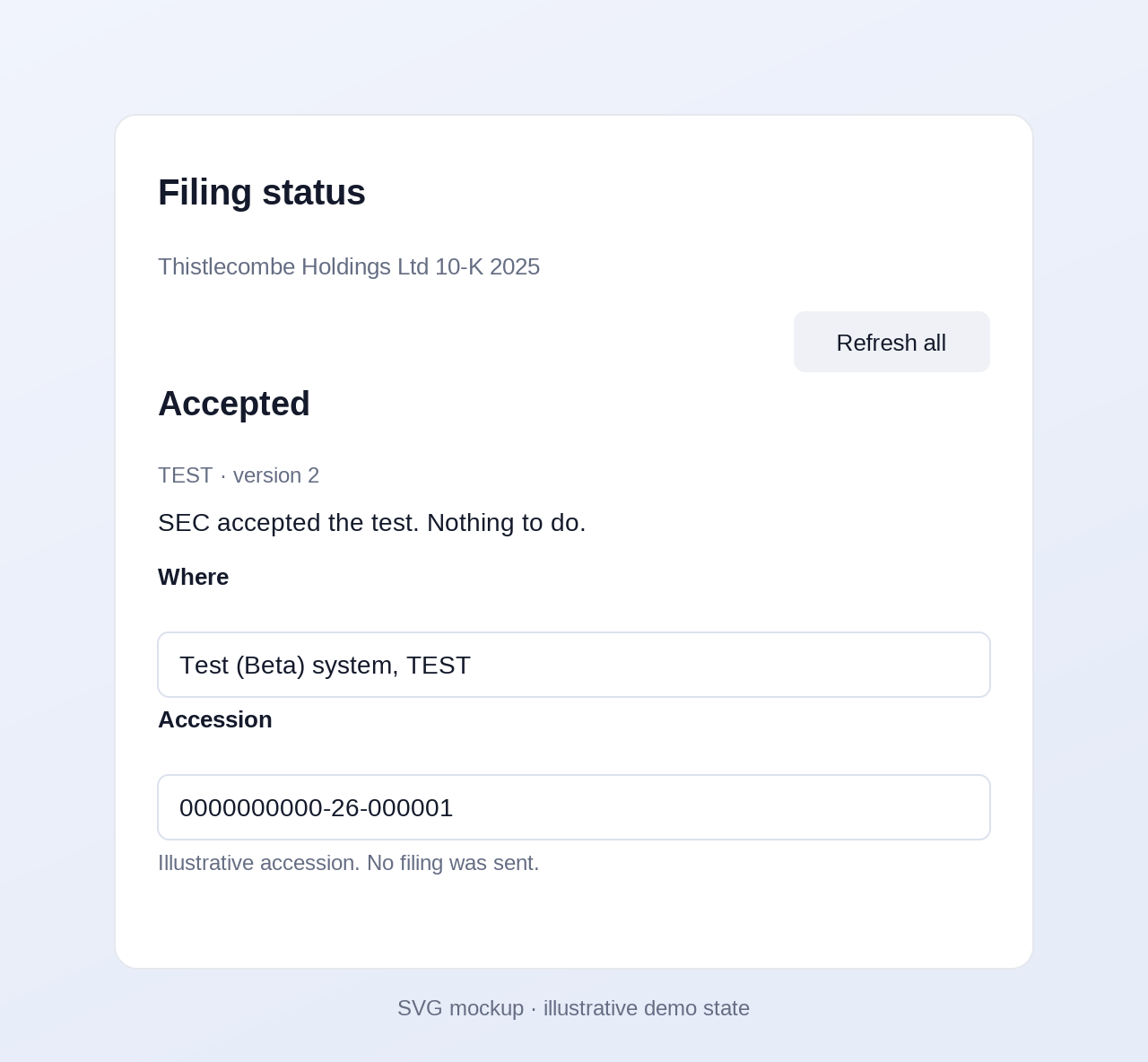
- Click Refresh all to request an updated status.
The attempt keeps the environment, submission type, form and accession number when available. Download what we sent downloads that attempt's package.
| Status | What to do |
|---|---|
| Pending | Wait for the SEC result. |
| Accepted | Keep the TEST result. It does not publish the filing. |
| Accepted with warnings | Read the warnings before further filing work. |
| Suspended | Fix the cause. Build a new version. Send a new test. |
| EDGAR closed | Send again when EDGAR opens. This result needs no package fix. |
| Not accepted | Read the message. Fix the cause before another send. |
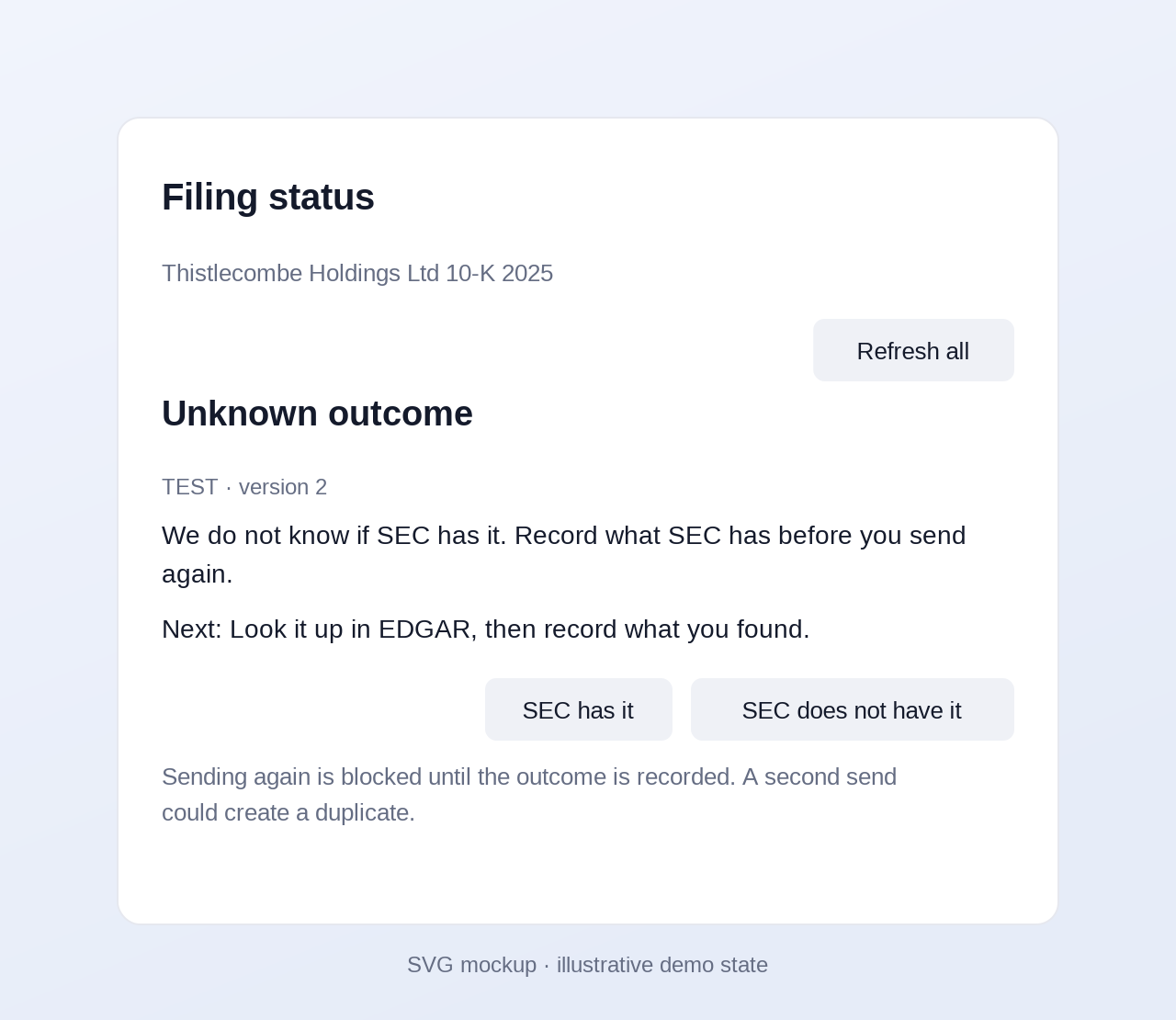
| Unknown outcome | Check what EDGAR has before another send. Follow step 7. |
Resolve an unknown outcome
BriskTag blocks another send while the outcome is unknown. This prevents a duplicate send.
- Look up the attempt in EDGAR.
- Ask an authorized organization admin to open the attempt in Filing status.
- Choose the outcome from the table below.
- Click Record outcome after you confirm the correct choice.
| What you confirmed | Choice |
|---|---|
| EDGAR has the filing | Click SEC has it. Enter the accession number. |
| EDGAR has no record of this send | Click SEC does not have it. |
Choose one outcome. Do not use a new send to find out whether EDGAR received the first one.
Keep the record
Keep the attempt, messages and submitted package with your saved version history. An accepted TEST is not a filing with the SEC.
Next: Keep records after filing.