Manage the team and filing settings
Set team access and filing settings before preparation, then use this reference when the organization needs changes.
Who can do this
Organization admins manage the team, filing settings and organization audit logs. A document role does not grant organization admin access.
Before you begin
- You are an admin in the intended organization.
- You know which people need organization membership and which need access to one filing.
Manage team access
- Open Team.
- Check the member's organization role.
- Set the role needed for their organization duties.
Organization membership and document roles are separate. Use Collaborate on a filing to set its document roles. See Document roles and Give a client review access.
Set filing separation
- Open Organization.
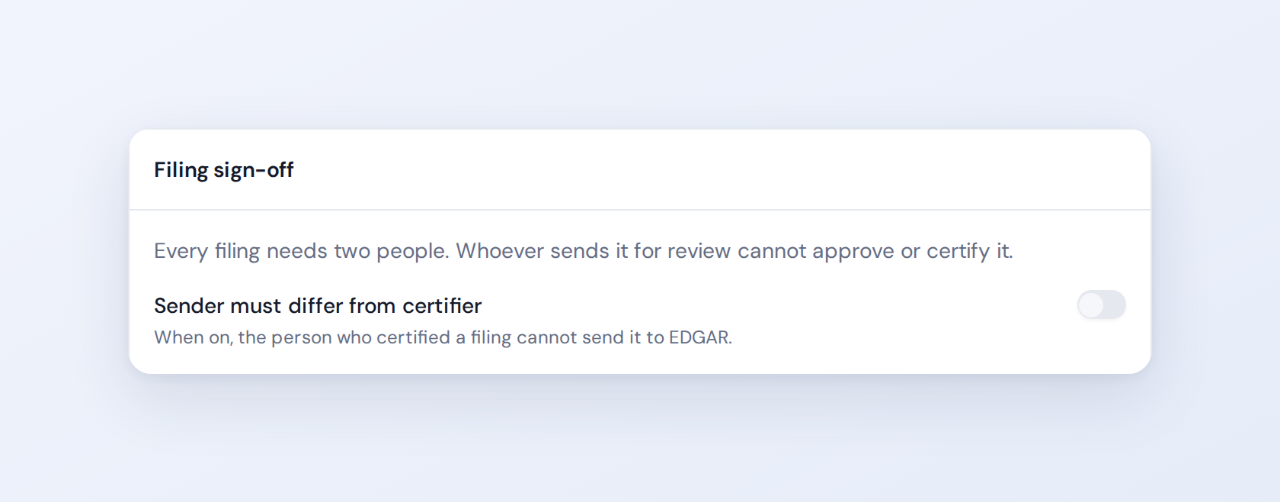
- Find Sender must differ from certifier.
- Set the rule for the organization.
The person who sends a filing for review cannot approve or certify it. This separation always applies. When Sender must differ from certifier is on, the certifier also cannot send the filing to EDGAR. Only organization admins can change this setting.
Prepare filing settings
Check the company profile before import. Confirm the company identity, regime, period and taxonomy bundle. See Set up your account and organization.
For SEC filings, configure the organization credentials and company CCC in Organization → EDGAR Filing. The sender may also need a personal EDGAR token for the selected environment. See Send a TEST filing to EDGAR for the credential and readiness steps.
Read audit history
- Open Audit Logs.
- Find the relevant event.
- Open its details.
- Check the action and time against the filing history.
The audit logs describe activity in your organization. Use the filing's review and submission history for its approval and filing records.
Next
Resolve import, version and filing problems, or start a filing.